arch_guard
arch_guard keeps the architecture of a Dart or Flutter project the way you meant it. It reads every import, export and part directive and then:
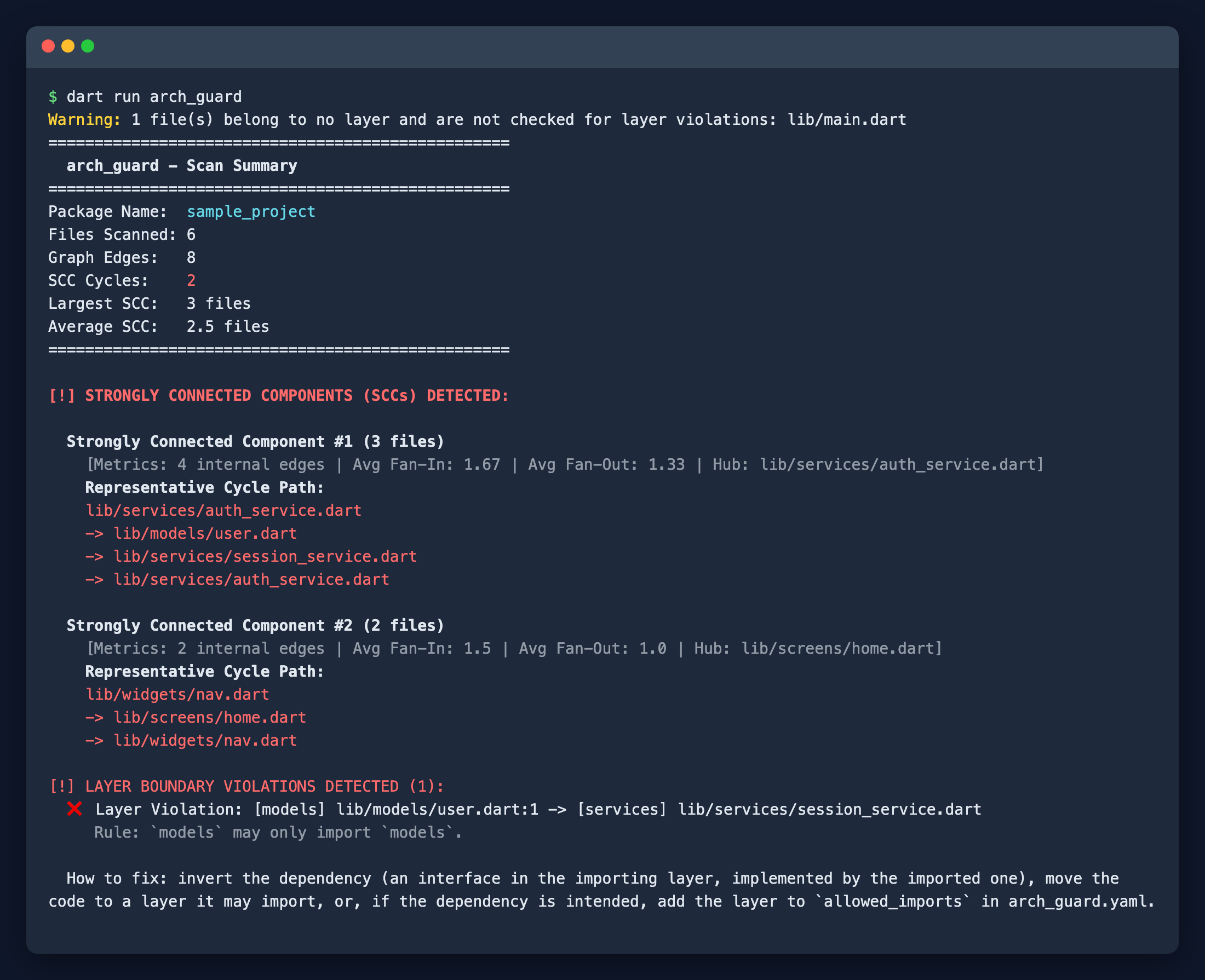
- fails when a file imports a layer it should not (for example
presentationimportingdata), - finds groups of files that import each other in a circle,
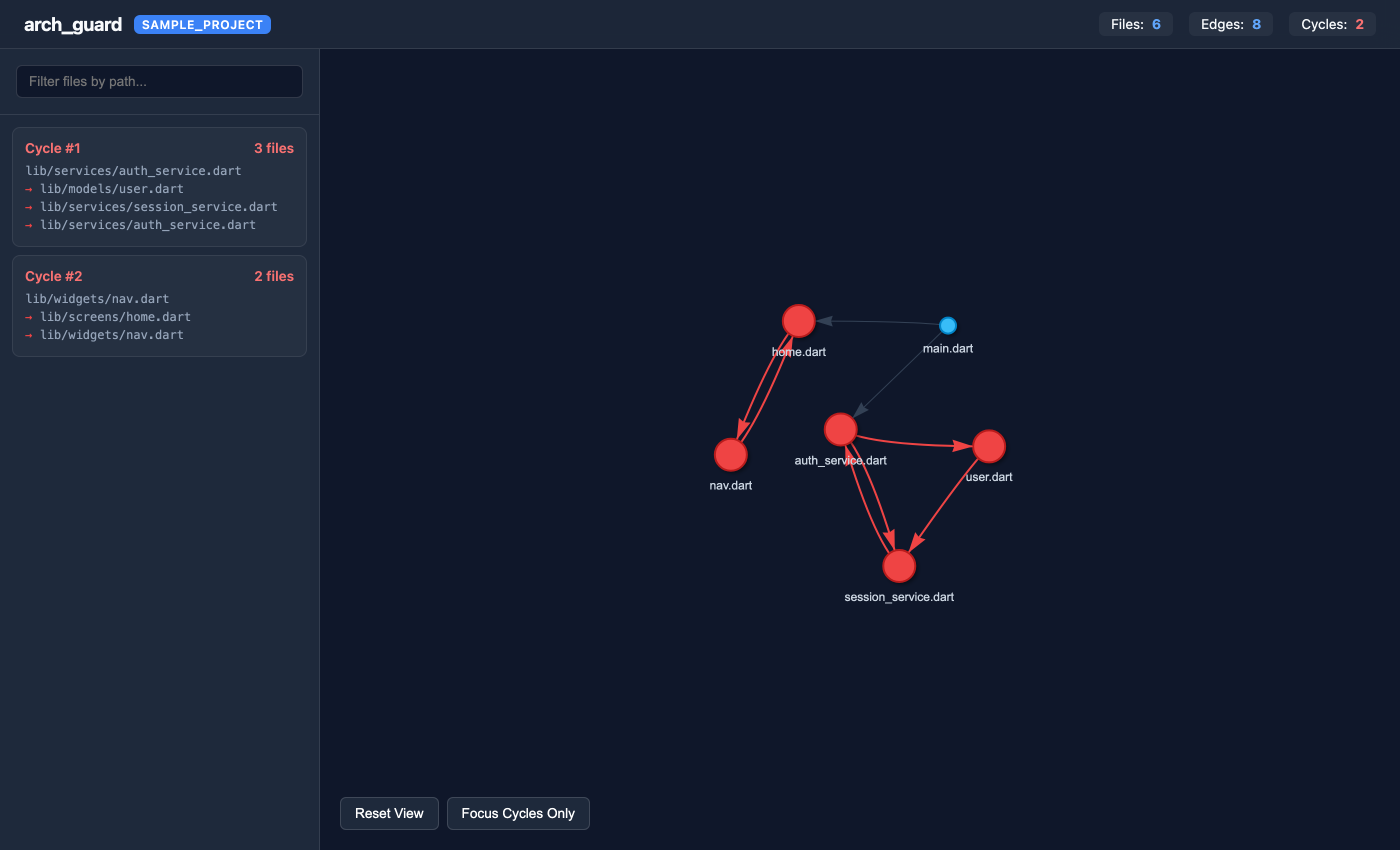
- draws the dependency graph as interactive HTML, Mermaid or Graphviz.
It runs in the terminal, as a pre-commit hook, and in CI, where it can comment on pull requests and report to GitHub Code Scanning.
Quickstart
dart pub add --dev arch_guard
dart run arch_guard init     # detects your layout and writes arch_guard.yaml
dart run arch_guard          # checks the project
init recognises Clean Architecture, Riverpod, Bloc and feature-first layouts. On an existing codebase, record today’s problems with dart run arch_guard --update-baseline so that only new problems fail from then on.
Where next
| If you want to… | Read |
|---|---|
| Pick and adjust rules for your architecture | Presets |
| Write layers by hand, ignore files, use workspaces | Configuration |
| Run it on pull requests or before commits | CI & hooks |
| See every flag, output format and exit code | CLI |
| Build your own tooling on top | Dart API |
Found a bug or missing a preset? Open an issue.